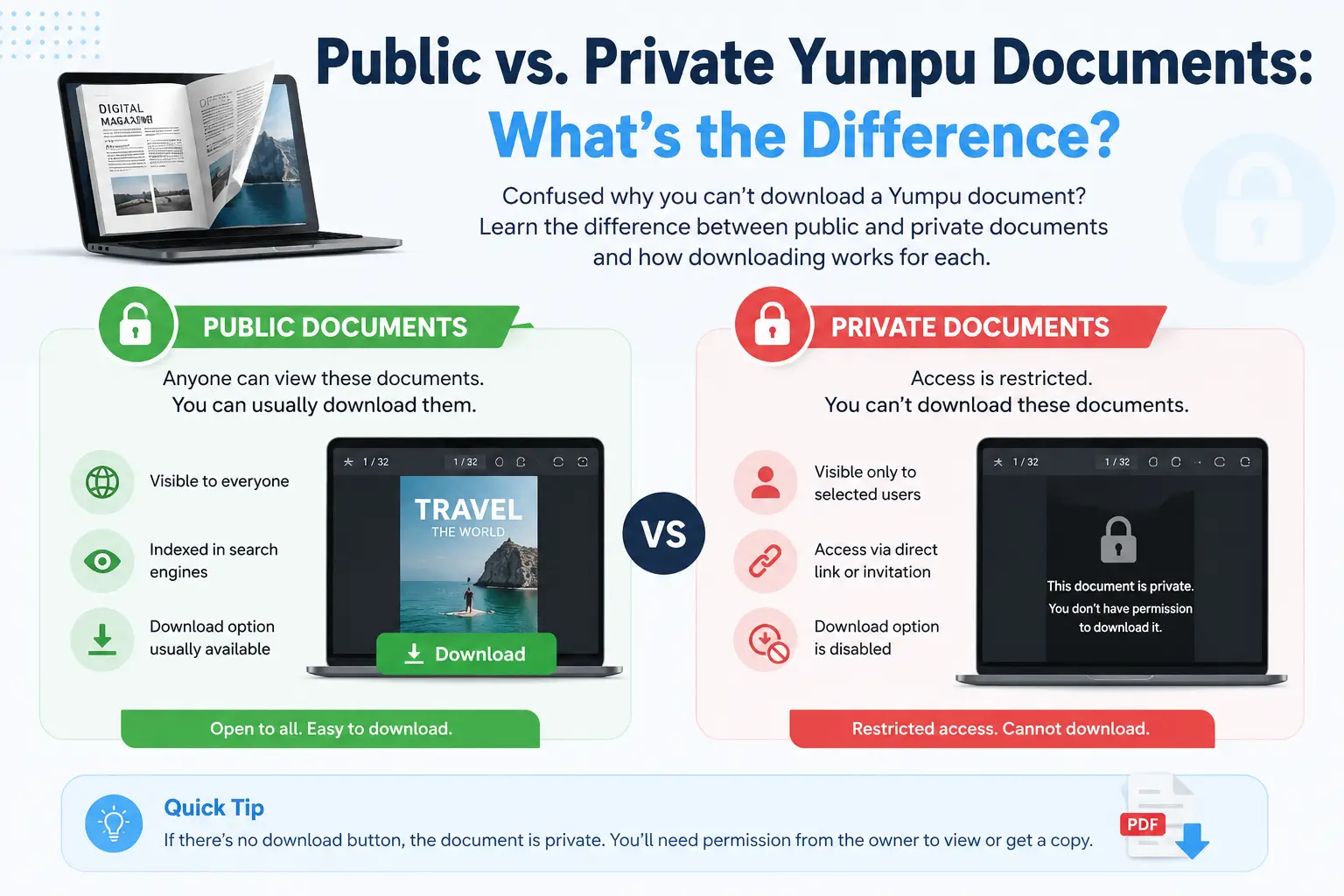
If you’ve ever tried to download a Yumpu document and gotten stuck, there’s a good chance the reason comes down to one simple thing: whether the document is public or private. This guide explains exactly what that means and how it affects downloading.
What Is a Public Yumpu Document?
A public document on Yumpu is one that anyone can view, without needing to log in or have special permission. The owner has chosen to make it open to the world — think of it like a public YouTube video versus a private one.
Public documents are the most common type you’ll find when browsing Yumpu or clicking a shared link from a business, magazine, or school.
Key trait: Public document pages can be accessed directly using just the Document ID in the link — no extra login or token required.
What Is a Private Yumpu Document?
A private document is one the owner has restricted, so only they (or people they specifically allow) can view it. This is common for:
- Draft materials not ready to share publicly
- Internal company reports
- Personal projects the owner hasn’t published widely
Key trait: Private document pages require an API token — a special access code tied to the owner’s account — to load successfully.
How Yumpu Decides Public vs. Private
When someone uploads a document to Yumpu, they choose a visibility setting during publishing. This setting controls:
- Whether the document appears in Yumpu’s public search and browse pages
- Whether the page images can be loaded by anyone or only authenticated requests
- Whether the document shows up when shared via a direct link
This setting can technically be changed at any time by the document’s owner.
Why Does This Matter for Downloading?
This is the exact reason Yumpu Downloader has two separate tabs:
| Tab | Who It’s For | What’s Needed |
|---|---|---|
| 🌐 Public Document | Anyone downloading a public document | Just the document link |
| 🔒 My Private Document | Owners downloading their own private document | The document link and your personal API token |
If you try to use the Public tab on a private document, the download will fail with a message like “no pages could be loaded” — because the tool has no way to prove you’re allowed to access it.
Common Mistake: Thinking a Document Is Public When It Isn’t
A frequent point of confusion is assuming that because you can view a document by clicking a shared link, it must be public. That’s not always true — sometimes a link is shared privately with specific people, but the document itself is still restricted at the server level. If you’re the owner, using your API token solves this immediately.
How to Tell Which Type You’re Dealing With
The easiest way to check: try the Public Document tab first. If the download works, it’s public. If you see repeated loading errors and you know it’s your own document, switch to the Private Document tab and add your API token.
For step-by-step help finding your token, see: How to Find Your Yumpu API Token.
Frequently Asked Questions
Can I download someone else’s private Yumpu document?
No. Private documents can only be downloaded using the owner’s own API token. This protects the rights of the document’s creator.
How do I make my own Yumpu document public?
This is controlled in your Yumpu account settings when publishing or editing a document. Check your document’s privacy setting on Yumpu.com directly.
Does the Yumpu Downloader tool store my API token?
No. Your token stays only in your browser during the download and is never saved on any server.
Why does a public document sometimes still fail to download?
This can happen if the link is broken, the Document ID is incorrect, or the document has been deleted or changed to private since the link was shared.
Ready to download your Yumpu document? Use Yumpu Downloader now →