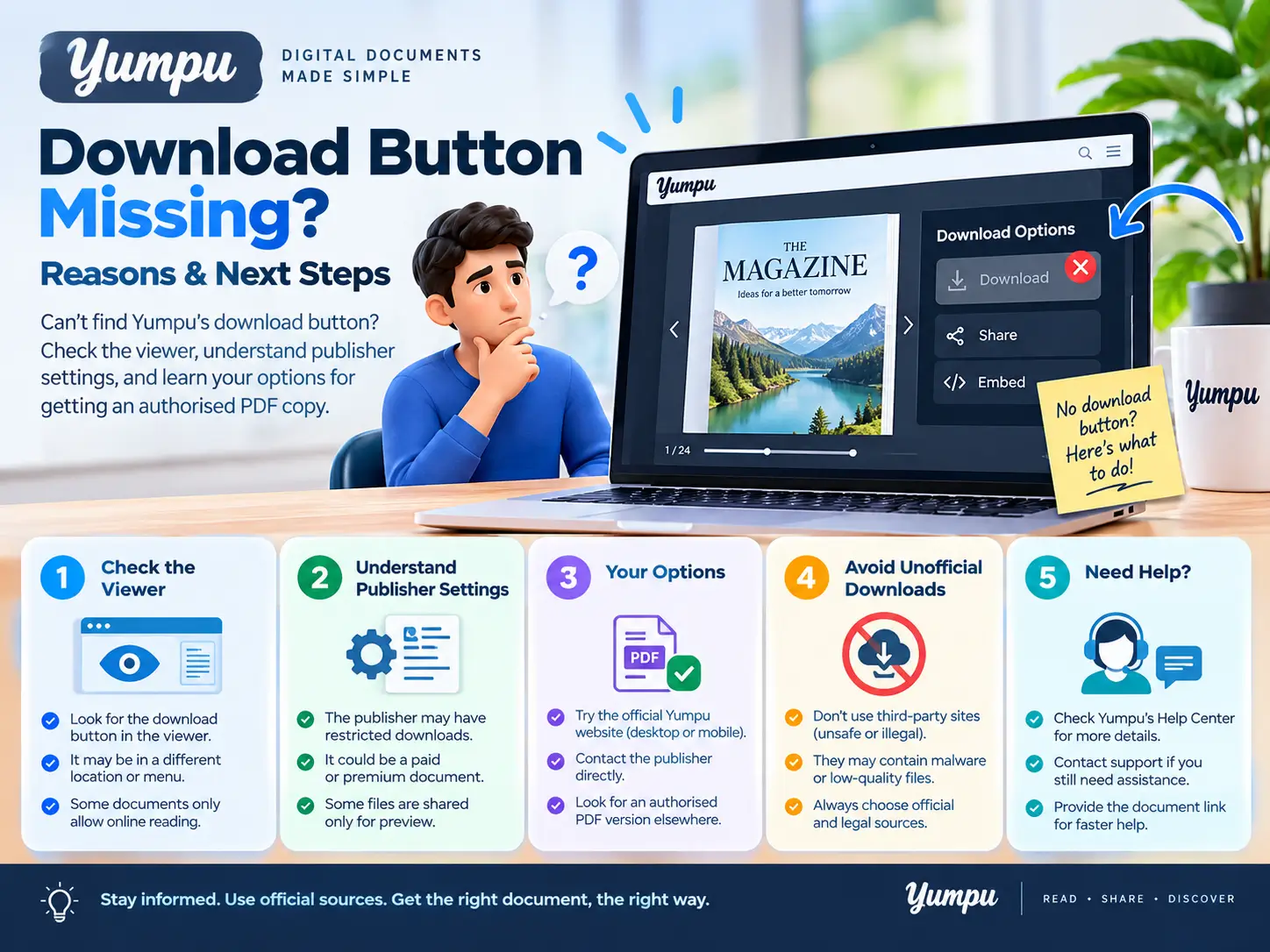
A missing Yumpu download button does not necessarily mean the publication is broken. The publisher controls whether readers can download the original PDF, and the download controls can differ between the preview and fullscreen reader.
Start by opening the publication directly on Yumpu and checking both views. If neither offers a download, the next step depends on whether you are reading someone else’s publication or managing your own.
First, check where you are viewing the publication
A magazine embedded on another website may look different from its publication page on Yumpu.
Open the publication’s original Yumpu link, confirm that it is the correct document, and check the controls around the reader. Try fullscreen view as well.
Avoid confusing these three actions:
| Action | What it does |
|---|---|
| Open or read | Displays the publication in the browser |
| Share | Copies or sends a link to the publication |
| Download | Saves a file when that option is available |
A share button is not a PDF download button. Copying a publication link does not save its pages for offline reading.
If you are unfamiliar with the platform, our introduction to Yumpu explains how its publications work.
Why the download button may be missing
The publisher has not enabled original-PDF downloads
A publication can be available to read without offering its original PDF for download. Being able to open the pages does not establish that a downloadable source file is available.
Yumpu’s official download instructions explain that publishers can enable original-PDF downloads with a paid subscription. The documentation describes separate controls for the preview and fullscreen player.
You are checking a different reader view
Look for Download ePaper in the preview and a download icon in fullscreen. An option enabled for one view may not have been enabled for the other.
The reader has not loaded correctly
If the publication itself is blank, its controls are missing, or ordinary navigation does not respond, you may be dealing with a loading problem.
Reload the page, check your connection, and try opening the original publication link in an updated browser. These checks can help with a broken interface; they do not activate a download feature the publisher has not enabled.
What readers can do next?
If you can read the document but cannot find an official download:
- Check the publisher’s website. The same brochure, catalogue or report may be offered there as a PDF.
- Look for a document-specific download link. Confirm that it matches the title and edition you need.
- Ask the publisher for a copy. Include the publication link and explain which document or pages you need.
- Use an alternative only where you have permission to save the content.
Our Yumpu Downloader can prepare an image-based PDF from accessible public page images. It does not retrieve the publisher’s original PDF or support private, password-protected or paywalled publications.
For the complete workflow, see how to download a Yumpu document as PDF.
How publishers can enable the download button
If you own the publication, Yumpu’s documented process is:
- Sign in and open My Publications.
- Open the publication’s edit settings.
- Enable Allow downloads.
- Publish the change.
- To make the control available in fullscreen, also enable Download Button in Player Settings, then publish again.
These controls concern the original PDF, and Yumpu currently documents them as a paid-subscription feature. Check the official instructions if your account interface differs.
After changing the settings, open the reader-facing publication page and check both views. This helps you confirm what readers actually see.
What if the button appears but the download fails?
That is a different problem from a missing button.
Note whether clicking it produces an error, opens a PDF preview, or starts a download. Check your browser’s download list before trying repeatedly—you may already have saved the file.
If the problem occurs in our tool, use the Yumpu downloader troubleshooting guide. Include the publication URL and the exact error when requesting help through our contact page. Never send account passwords or API tokens.
Frequently asked questions
Does a missing download button mean the document is private?
No. Reading access and original-PDF download availability are different controls. You may be able to read a publication publicly without having a download option.
Will creating a reader account make the button appear?
Do not assume so. Creating an account does not itself enable the publisher’s download settings.
Can a downloader give me the original PDF?
An image-based downloader creates a new PDF from page images. For the publisher’s source file, use an official download or request a copy from the publisher.
Can I read the saved file without internet?
A PDF saved locally can be opened offline. Confirm that the file is actually on your device and contains the pages you need. Our offline reading guide covers the next steps.